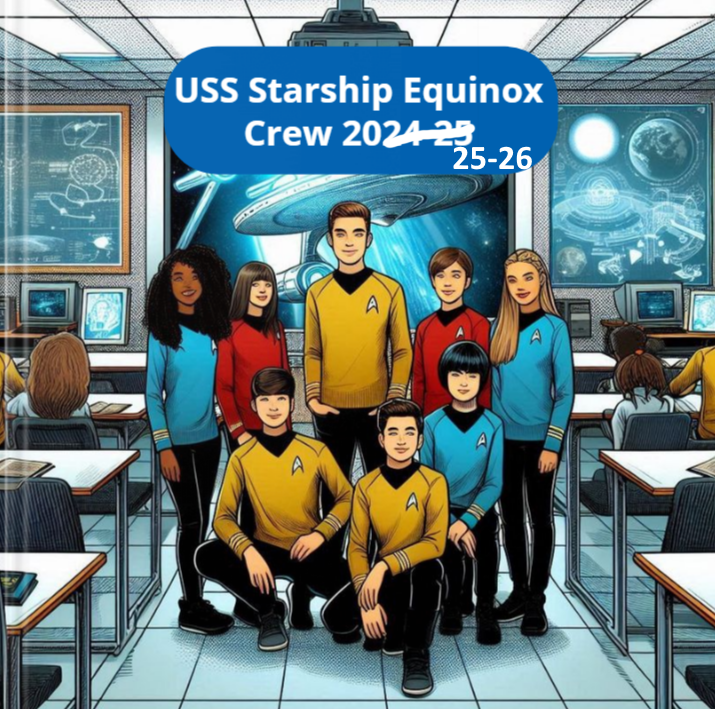
Having students use image generating AI to make character cards for my Star Trek gamification class theme proved to be so cool last year that I did it again this year! I wrote about it last year when we did it and one year later, image generation has gotten much better and easier!
Last year I introduced this activity after having students role dice to create Star Trek role-playing game (RPG) characters to choose how they play the game of my STEM class aboard the USS Starship Equinox. I explain to students that they can play my game as either themselves, for kids who aren’t motivated by role-playing games, or as a Star Trek alien race to play the game in a more imaginative way. In class, students could focus on command/operations, yellow/gold uniform, science/medical, blue uniform, or engineering/security, red uniform, no matter which race they play.
Here is the Star Trak character sheet we use, from the Modiphius Star Trek RPG series:
With character sheets in hand, students then use a School AI Space that helps them take their Star Trek character sheet information and turn that into a background story with more detail than what they start with on their character sheet. The Space even helps students turn all the information into character attributes and skills that they will write on their character cards.
Here are some pages from last year’s 2024 Starship Equinox Crew Manifest Book Creator book:
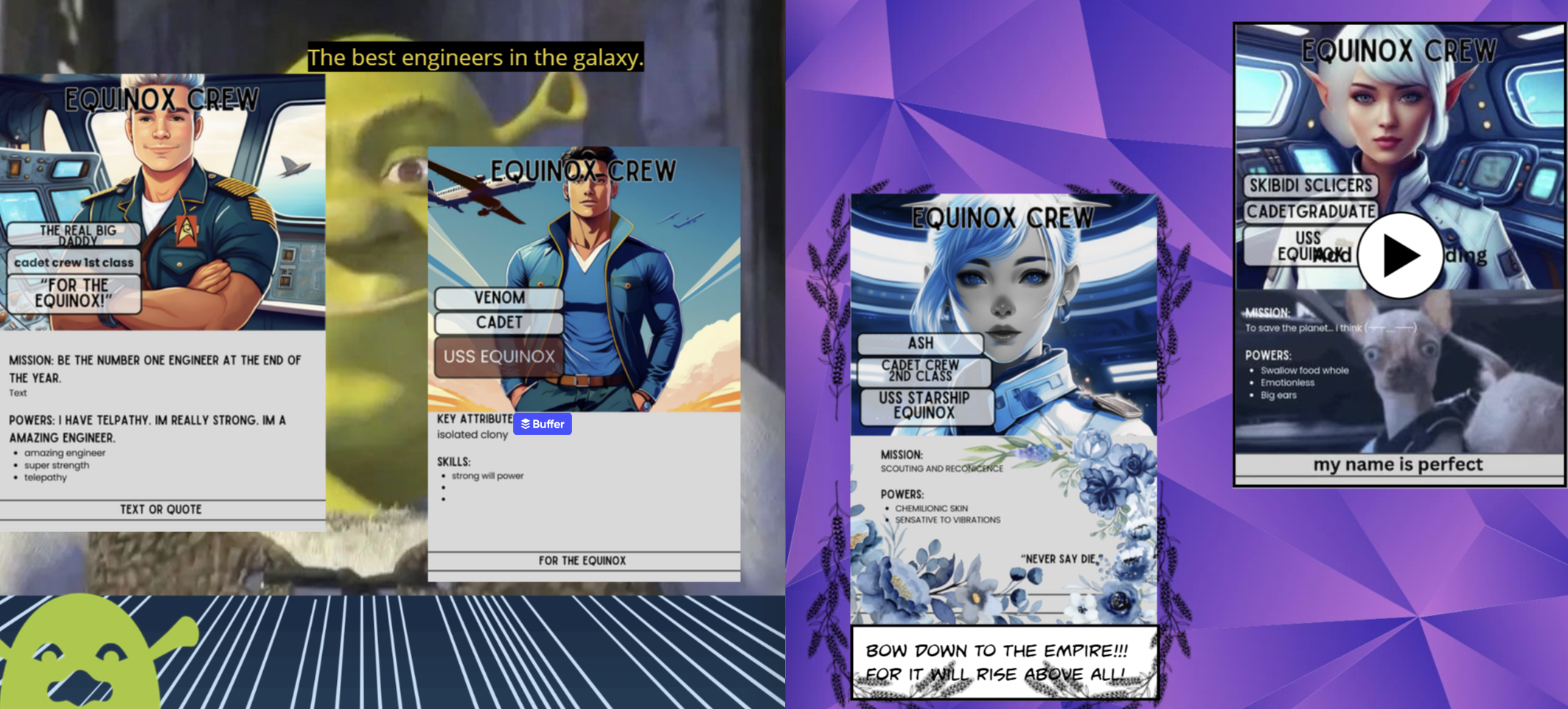
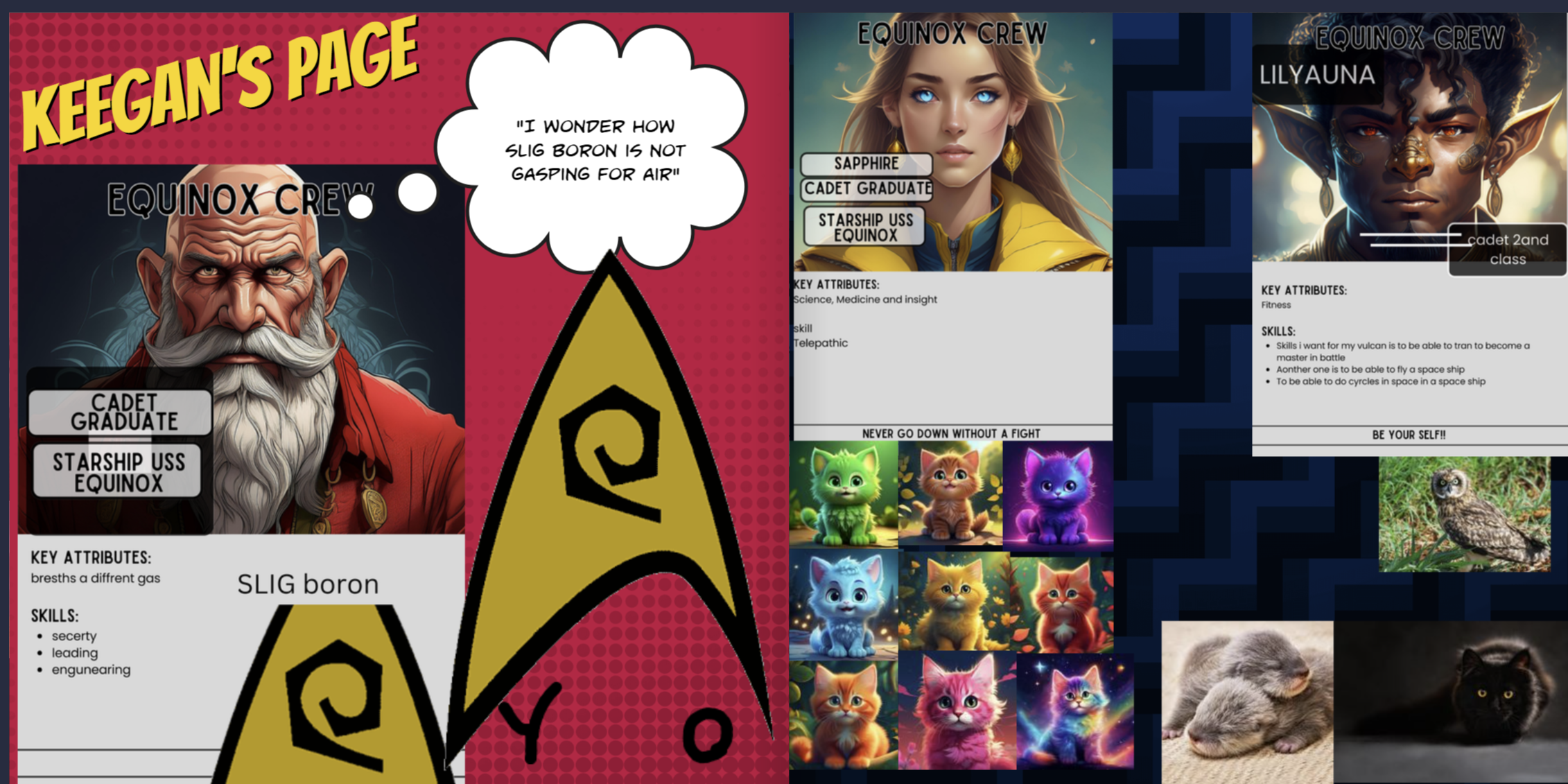
Last year students had to use Adobe Firefly to generate their images once they had enough information about their character from the School AI Space or from their own imagination. Firefly was great because it’s not trained on copyright images. Adobe trains Firefly on their vast library of images. While that is a strong point to using Firefly, it makes it difficult to generate images of copyright characters and alien species from a franchise such as Star Trek! Looking at the sample pages above shows the most unique Star Trek crew that looks nothing like Starfleet or even Star Trek! Let’s just say that students struggled to write prompts that generated people looking close to any Star Trek alien species. Some kids went way off script!
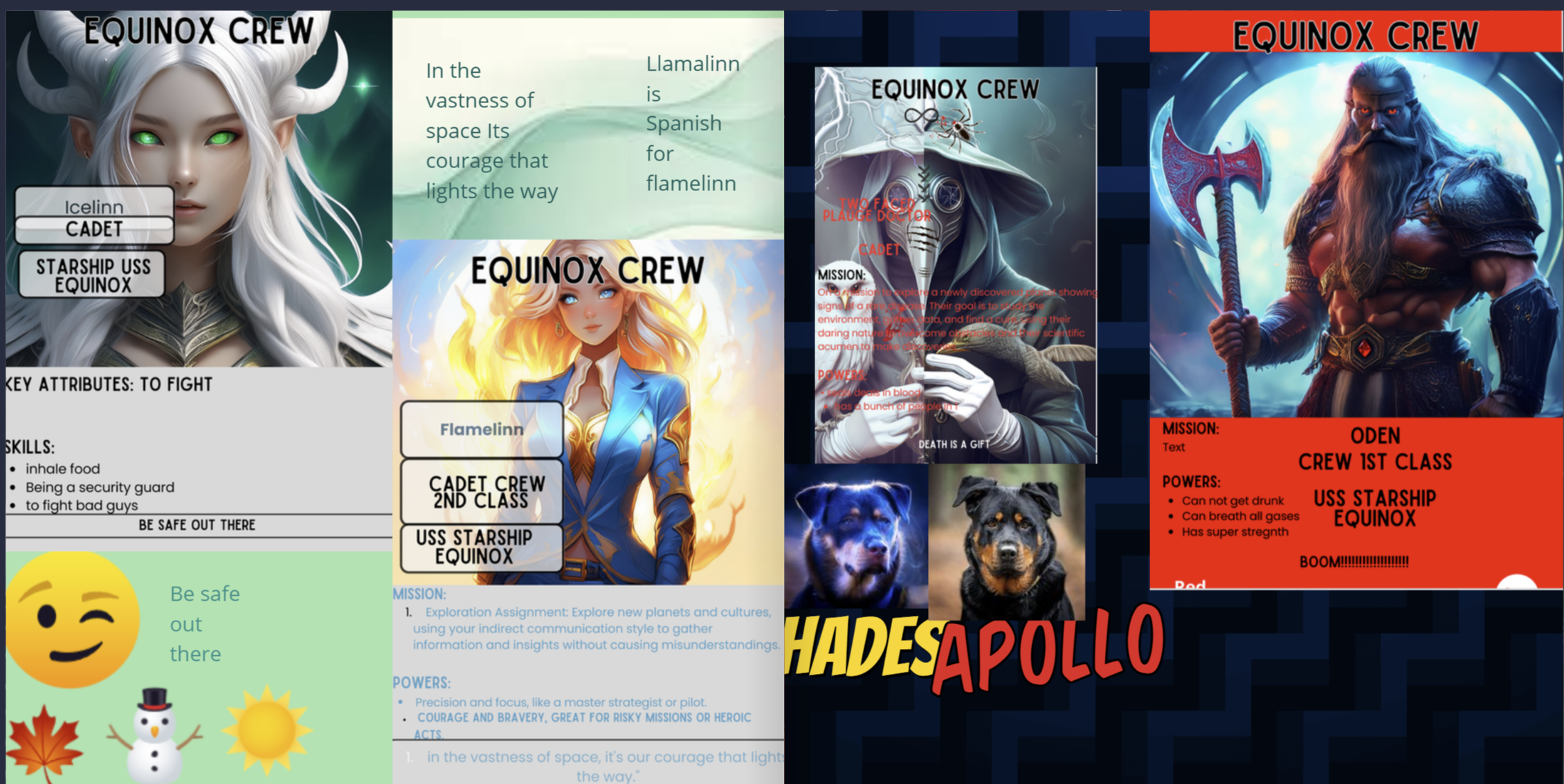
In comparison, here are some pages from this year’s 2025 Starship Equinox Crew Manifest Book Creator book:
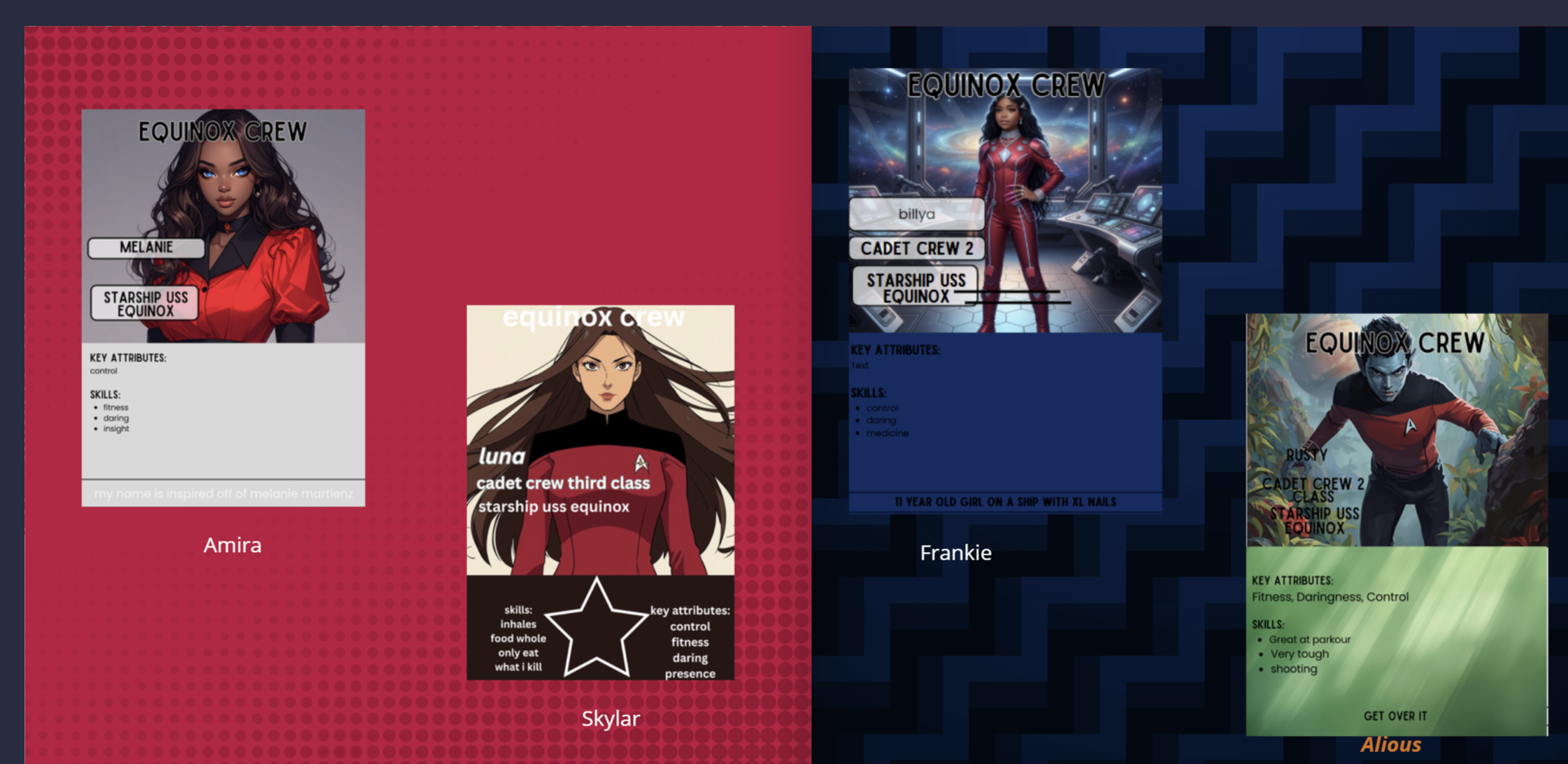
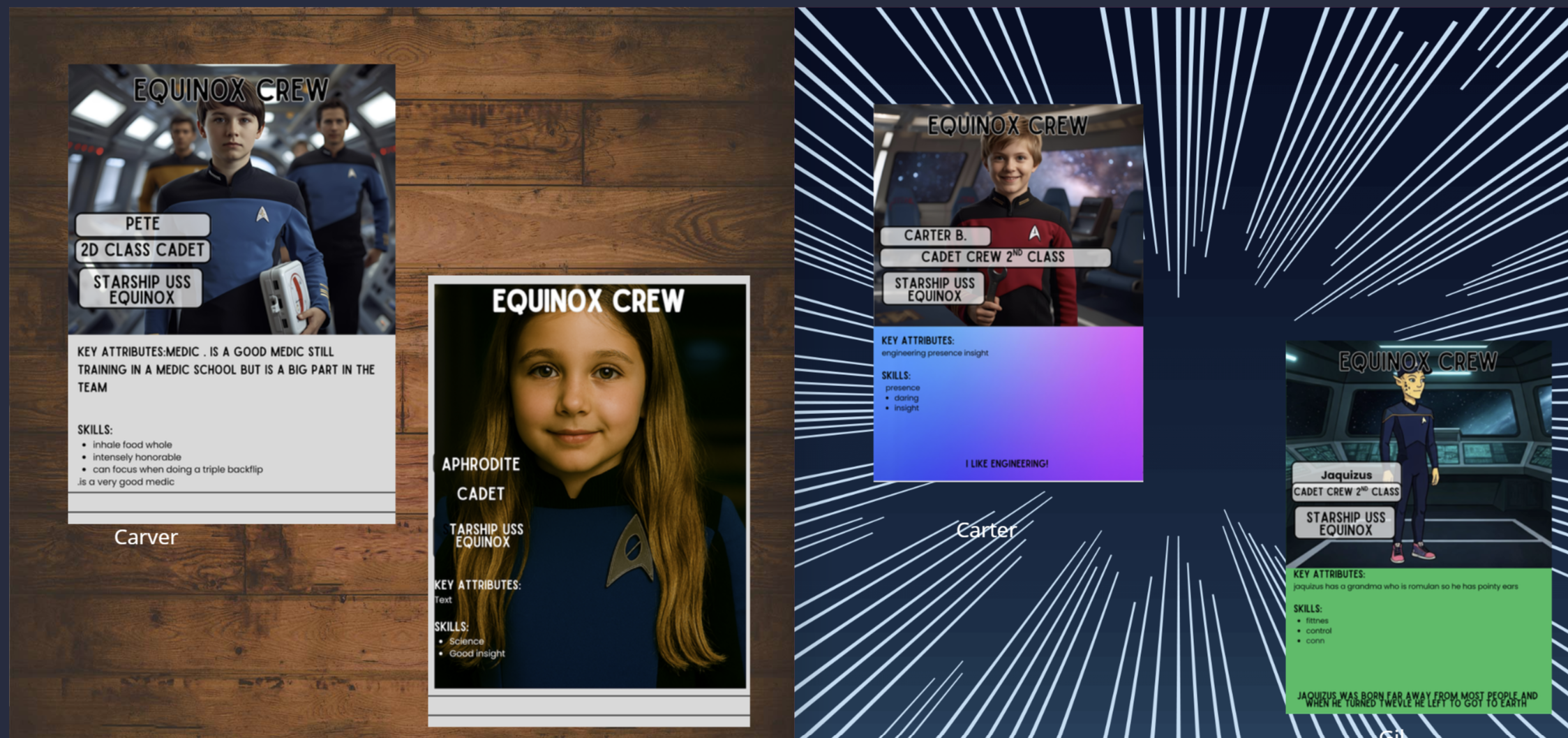
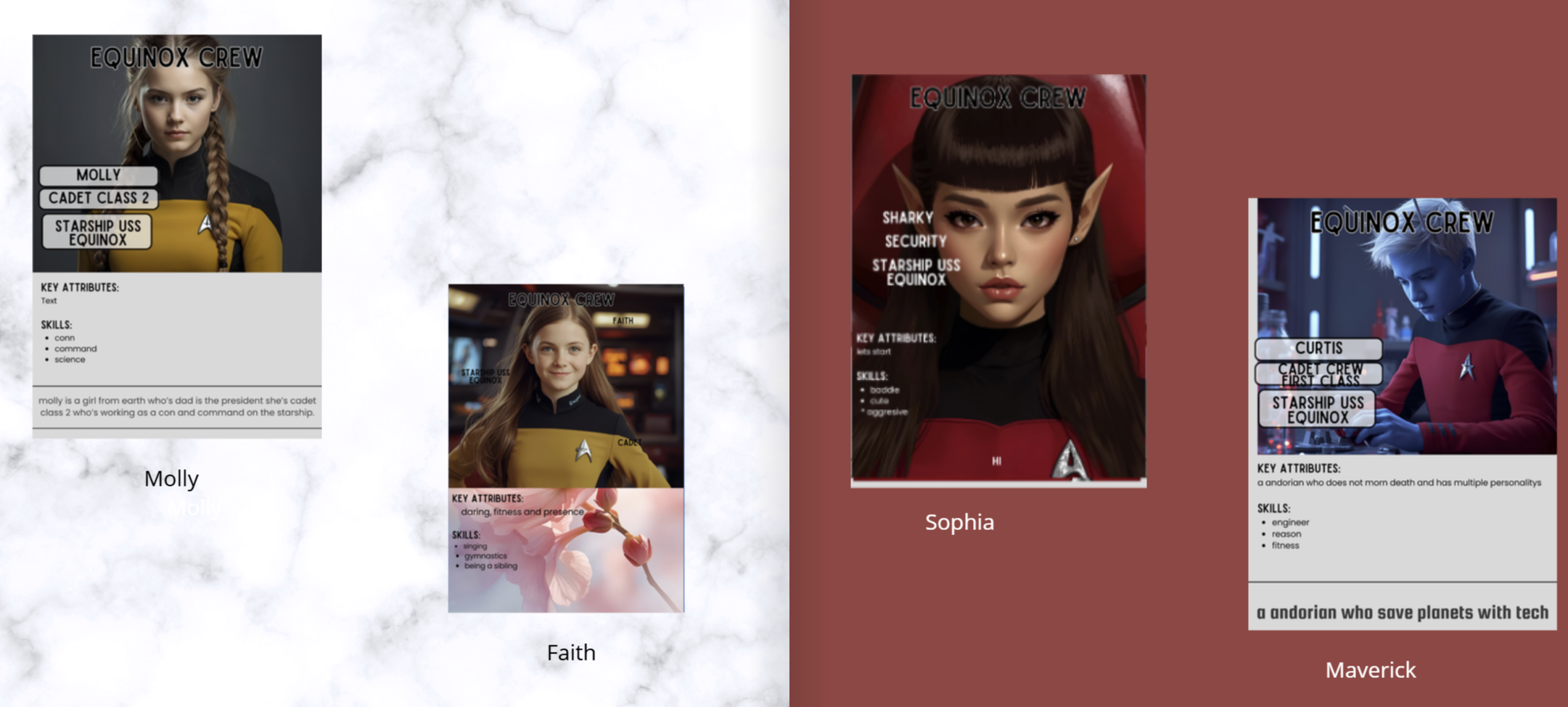
This year’s images on the whole look way more Starfleet than last year’s. The characters look cleaner and since not all kids used Adobe Firefly, we got more cards with characters dressed in Star Trek Starfleet uniforms. Adobe Firefly was still difficult to use because kids had to be very precise with their prompts if they hoped to get anything even remotely Star Trek-like. Some kids were up to the challenge!
To give them practice prompting image generators I had all kids play Google Arts and Culture’s Say What You See game. Players are shown an image. They then write a short prompt, 120-character limit, to generate an image similar to the one shown. Once the image generates the game tells them how close they came to the original by percentage. It’s fun and addictive and I’ve noticed that the simpler the prompt, the higher the match! Not exactly what I was going for but still a fun way to introduce prompting.
More Image Generators Available This Year!
My plan going into this year, using the updated School AI 2.0, still in beta, was to have kids generate their images right in the School AI Space! It was a good plan and was off to a pretty good start. Students mostly got images to generate but many of them that got an image to generate did not like it. Image generators have gotten way getter at editing images, so students re-prompted School AI to edit their images. It did not work very often. Still in beta, some students could not generate images and those that could and needed to edit were not able to get the Space to edit well if at all since oftentimes School AI did not even generate a follow up image.
Plan B, we are a Google school and Google rolled out a whole suite of AI tools to schools in July so I showed kids how to use Gemini and Nano Banana to generate images. Nope, we did not have Gemini turned on for students.
Plan C, we are also a Microsoft school, so we tried Copilot. Nope, Copilot was also not turned off for students. It looks like we were stuck with Adobe Firefly and a repeat of last year. Bummer!
I was not ready for Plan D, but when it revealed itself, I WAS BLOWN AWAY! The character cards are a Canva template and as I was showing students how to take the template and add their generated photo and add their character’s attributes and skills, I saw an image generator right there in the image editing left-hand side panel! I tried it in front of one of my classes cold, not knowing what it would do, and BAM! It did an amazing job of creating Star Trek-like people!!
Canva to the rescue!
Canva’s new AI tools look absolutely amazing, and the image generator saved this fun activity!
In the future I will continue to offer students the School AI space image generator, Adobe Firefly, and Canva’s image generator as well. I find myself often using more than one to generate multiple images to choose the one or ones I like best so I will continue to offer that to my students this year. Who knows what next year will bring!